What should a contractor do when a city page ranks well but the phone stays silent?
Rankings without calls usually mean the page is winning the wrong query, losing the visitor on arrival, or making it hard to act. Here is how to diagnose which one it is before changing anything.
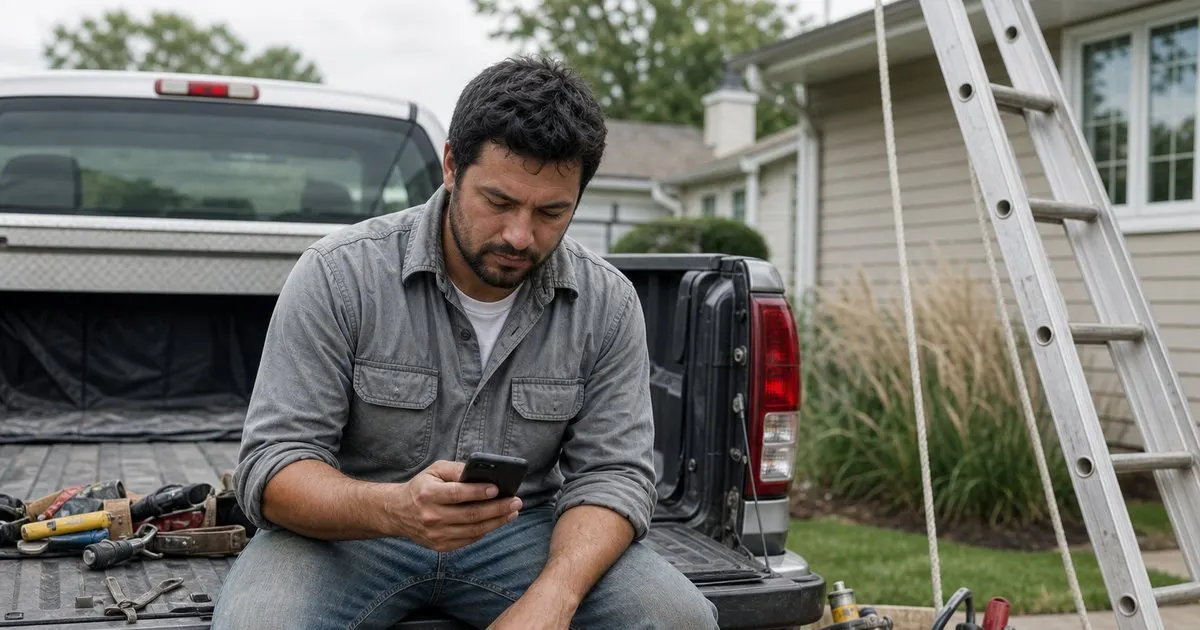
Check what the page is actually ranking for
A page can rank well for queries that never lead to a purchase. If your page for a given town shows up mostly for searches about how to fix something yourself, or for a service you do not actually offer, or for the town name alone, it will get visits from people who never intended to hire anyone. Open your search performance data, filter to the page, and read the actual queries. The question is not whether the page ranks but whether it ranks for the words someone types when they are ready to call. Related: What a Good Service Area Page Contains
If the queries are informational, the fix is either to accept the traffic as awareness and add a clear path to your service pages, or to reshape the page so that it targets the hiring intent more directly. If the queries are for the wrong service or a neighboring town, the page is mistargeted and the title, headings, and opening paragraph need to be corrected. Only if the queries look like genuine hiring intent should you move on to looking at the page itself.
Keep reading: Why Thin City Pages Hurt You, Building Genuinely Useful Local Pages, Ranking for a Service Area. See how Localander helps you service-area city landing page generator for local businesses.
Look at what a visitor sees in the first few seconds
Pull the page up on a phone, because that is how most local searchers will see it. Does the first screen show who you are, that you serve this town, what you do, and how to contact you? Or does it show a large stock photo, a generic headline, and a menu? Visitors from local searches decide quickly. If the page does not confirm within a glance that they found a real business that serves their area, they go back to the results and try the next one. The best-written page in the world fails if the phone number is below the fold. Related: Ranking for a Service Area
Speed matters here too, not in the abstract but in the specific sense that a page which takes several seconds to become usable on a weak cell connection loses the people who needed it most. Someone standing in a flooded basement is not patient. Check that the page loads fast on a mid-range phone over a mobile connection, that the call button is visible and tappable without zooming, and that nothing pops up and covers it. Related: Keeping Local Pages Fast
Make the page prove you are local and real
Visitors who arrive from a city-specific search are checking one thing: does this business actually work here, or is this a lead-generation site that will sell my number to someone? Generic pages fail that test. Pages that pass it include specific evidence: a photo of your crew or truck in a recognizable local setting, a review from a customer who names the town, a mention of a neighborhood or landmark, a note about typical drive time to that area, and the license number or insurance details a cautious homeowner would want to see. Related: Why Thin City Pages Hurt You
Trust also comes from consistency. If the page lists one phone number and your Business Profile lists another, or the hours differ, visitors notice. If the page promises same-day service and the first call goes to voicemail, they notice that too. Before blaming the page, verify that calls from it are actually being answered. It is not unusual to find that a page is generating calls that are being missed, and that the fix is a staffing or forwarding change rather than anything on the website.
Reduce friction at the moment of decision
Every additional step between wanting to contact you and actually doing so costs a share of visitors. A phone number that must be copied instead of tapped, a form with eight required fields, a scheduler that demands an account, or a contact page one click away all create leakage. Put a tappable phone number and a short form (name, phone, town, brief description) directly on the city page, above the fold and repeated at the bottom. Offer a text option if you can answer texts. The goal is that a visitor who decides to reach out can do it in one motion.
Then test one change at a time. Move the call button, shorten the form, add a review, swap the hero photo for a real one, and watch the per-page call and form events for a few weeks each. Most of the gain on a page that already ranks comes from two or three specific fixes, not a full redesign. A city page that ranks is a valuable asset; it deserves patient, measured attention rather than a rewrite based on a guess.
- Read the actual queries the page ranks for before touching the page; the intent may be wrong.
- On a phone, the first screen must confirm who you are, that you serve this town, and how to call.
- Local proof such as town-specific reviews, real photos, and license details is what converts cautious visitors.
- Make sure calls are being answered, then remove friction from the call and form path one change at a time.

Julien Jimenez
Julien Jimenez is an independent software builder based in Paris. He designs, ships, and operates focused SaaS products for small businesses and independent professionals. Read the full author page.
A real page for every city you serve
Service-area city landing page generator for local businesses. Localander is built to help you put this into practice.
Generate my pagesMore from the Localander blog

Why Thin City Pages Hurt You

Building Genuinely Useful Local Pages
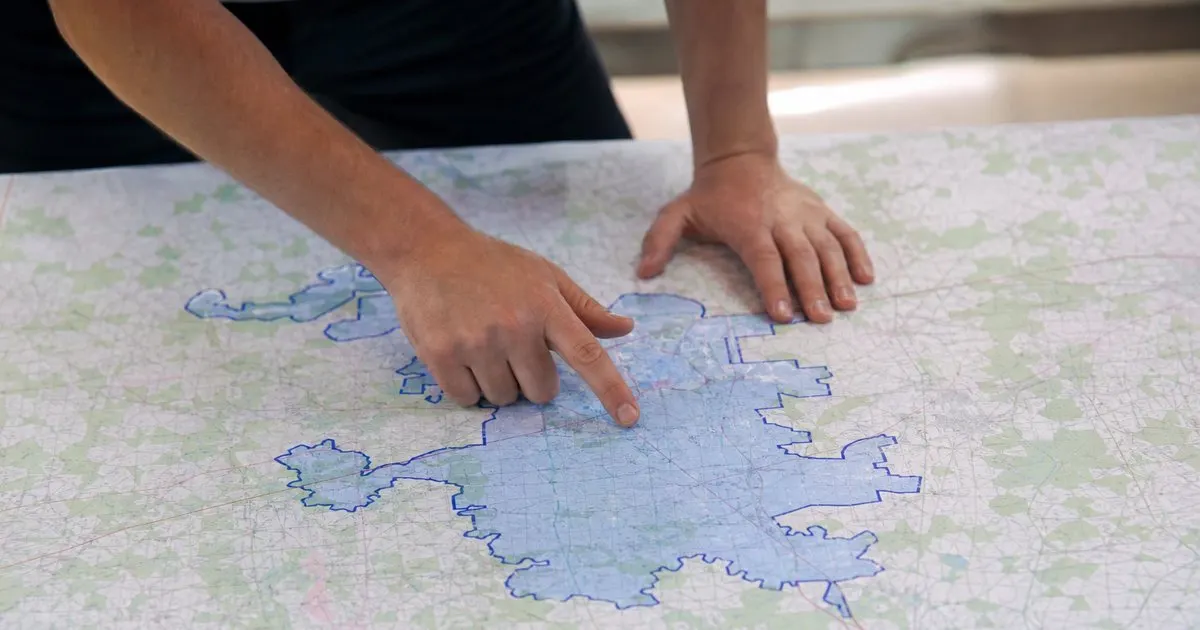
Ranking for a Service Area
Get the Localander playbook
Practical guides on local landing pages, straight to your inbox as we publish them. No spam, unsubscribe any time.