How much does a Google Business Profile service area matter compared with city landing pages?
Business owners often ask which one to focus on. The honest answer is that they do different jobs, and confusing them leads to wasted effort on both. Here is how the two fit together.

They compete in different parts of the results page
The Business Profile is what powers the map listings, the cluster of businesses with pins and reviews that appears near the top of many local searches. City landing pages compete in the regular organic results underneath. These are separate systems that share some signals but rank differently. The map listings lean heavily on proximity to the searcher, review quality and volume, and the categories on the profile. Organic results lean on page content, links, and site-wide authority. A strong profile with weak pages and a strong site with a weak profile are both common, and each leaves clicks on the table. Related: Why Thin City Pages Hurt You
For many service queries, the map listings often take a large share of attention, especially on phones. That leads some people to conclude that city pages do not matter. In practice, the map listings only show a business within a certain distance of the searcher, and for a service-area business that distance is often smaller than the area you actually cover. City pages are how you appear for searches in towns where the map listing will not show you at all. They are complementary, not competing.
Keep reading: Why Thin City Pages Hurt You, Building Genuinely Useful Local Pages, Ranking for a Service Area. See how Localander helps you service-area city landing page generator for local businesses.
The service area setting is descriptive, not a ranking lever
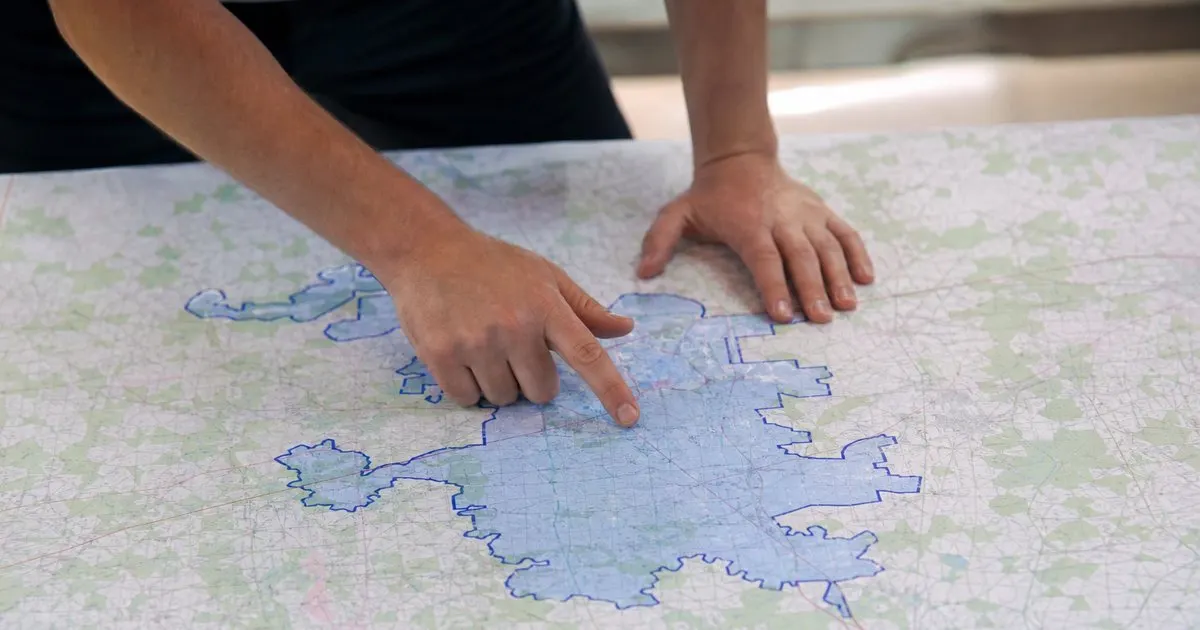
When you set a service area on your profile, you are telling Google where you are willing to go, and it shapes the coverage shown on the listing. Hiding your address is a separate choice: it happens when you indicate that you do not serve customers at your location, which is typical for a business run from home. The service area does not make you rank in every town you list. A business based in one city that adds twenty surrounding towns to its service area will still show in map results mostly near its actual location, because proximity to the searcher is a dominant factor for the map. Adding more towns to the setting does not expand where you appear in any meaningful way.
Keep the setting honest and reasonable. Google's guidelines expect a service area that reflects where you actually work, and an implausibly large area can draw scrutiny. Listing the same towns you have city pages for is a sensible way to keep the two aligned. Where the setting and your pages disagree, such as a town you list on the profile but never mention on the site, a cautious customer or reviewer sees inconsistency. Consistency across the profile, the site, and directory listings is one of the few things fully within your control.
Where each one earns its keep
The profile earns its keep close to home. In and near the city where you are based, the map listing usually brings most of your local calls, and improving it (categories, photos, review responses, accurate hours, posts if you have the time) is the highest-return work available. If you have limited hours, this is where they go first. Reviews in particular do double duty: they lift the listing and they give you material to quote on city pages. Related: Building Genuinely Useful Local Pages
City pages earn their keep at the edges. The towns twenty or thirty minutes out, where the map will rarely show you, are where an organic result for the town plus your service is often the only way to be found. They also carry the depth a listing cannot: photos of local jobs, an explanation of how you handle that area, answers to questions specific to that town's housing. A page is also the only place you fully control the presentation, whereas the listing format is fixed. Related: Ranking for a Service Area
Make them reinforce each other
The profile has a single website link. The homepage is the usual choice, but it can point to whichever page best answers where you work, such as your service area hub. Use the same business name, phone, and hours on every city page as on the profile. When a customer in an outlying town leaves a review, quote it on that town's page. When you add photos to the profile, use the same photos on the relevant city page. Each of these small alignments makes the whole picture more credible to both searchers and search engines. Related: What a Good Service Area Page Contains
The mistake to avoid is treating one as a substitute for the other. Businesses that pour everything into the profile plateau at the edge of the map radius. Businesses that build sixty city pages and neglect the profile lose the near-home calls that pay the bills. A reasonable division of attention for most small operators is to keep the profile current on a weekly habit and to work on city pages in monthly batches, checking each month which towns the map is not covering and whether those towns have a page that is doing the job.
- The profile powers the map listings; city pages compete in organic results, and they need each other.
- The service area setting describes where you work; it does not make you rank in the towns you list.
- Near your base, the profile brings most calls; farther out, city pages are often the only way to be found.
- Keep name, phone, hours, photos, and reviews consistent between the profile and every city page.

Julien Jimenez
Julien Jimenez is an independent software builder based in Paris. He designs, ships, and operates focused SaaS products for small businesses and independent professionals. Read the full author page.
A real page for every city you serve
Service-area city landing page generator for local businesses. Localander is built to help you put this into practice.
Generate my pagesMore from the Localander blog

Why Thin City Pages Hurt You

Building Genuinely Useful Local Pages
Ranking for a Service Area
Get the Localander playbook
Practical guides on local landing pages, straight to your inbox as we publish them. No spam, unsubscribe any time.